 Bookmark Scout
Bookmark Scout Docs
Bookmark Scout saves each page to the right bookmark folder when you type part of the folder's name or press one key, then helps you find, tidy, and clean up your bookmarks, all inside your browser.
Bookmark Scout is a free browser extension that puts each page you save in the right bookmark folder. Click its icon, type a few letters of a folder's name, and the page goes there. It works in Chrome today.
Pick a task, or type to filter all 18 pages. Enter opens the first match.
What you can do with it
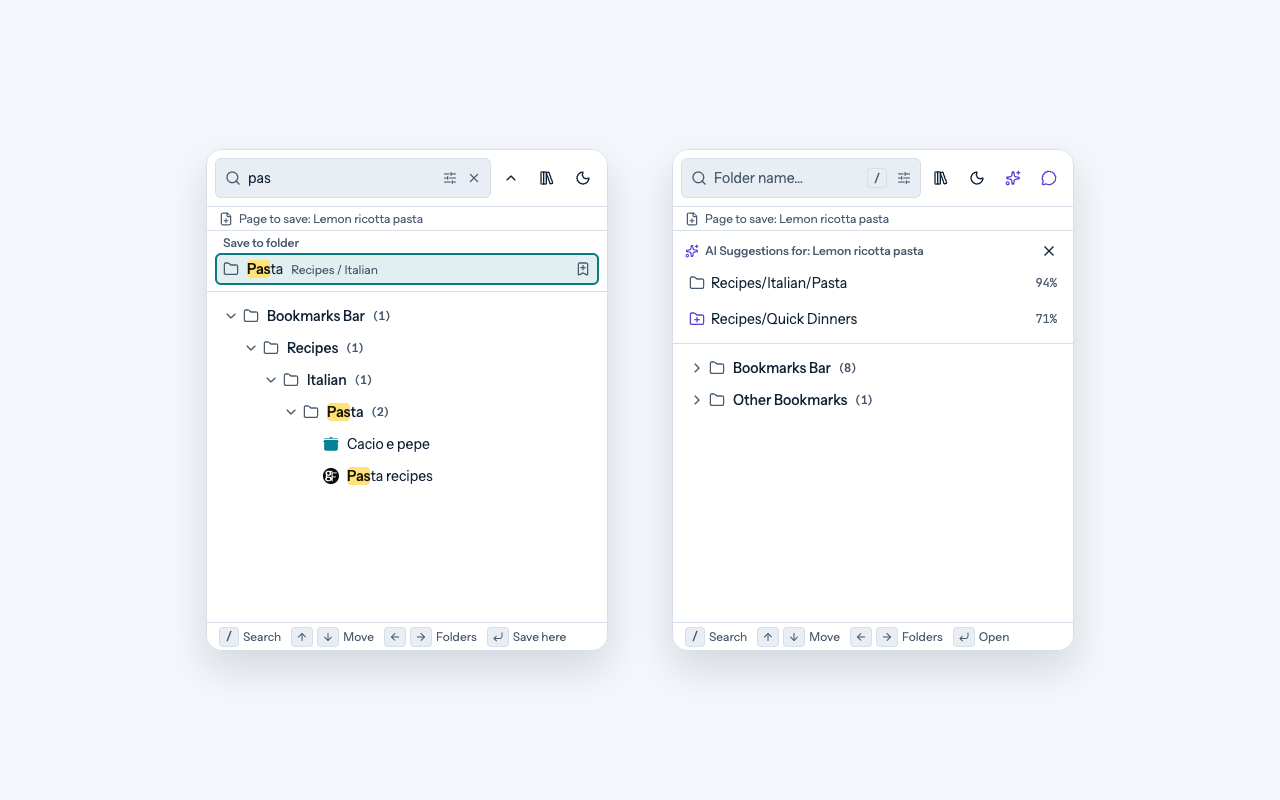
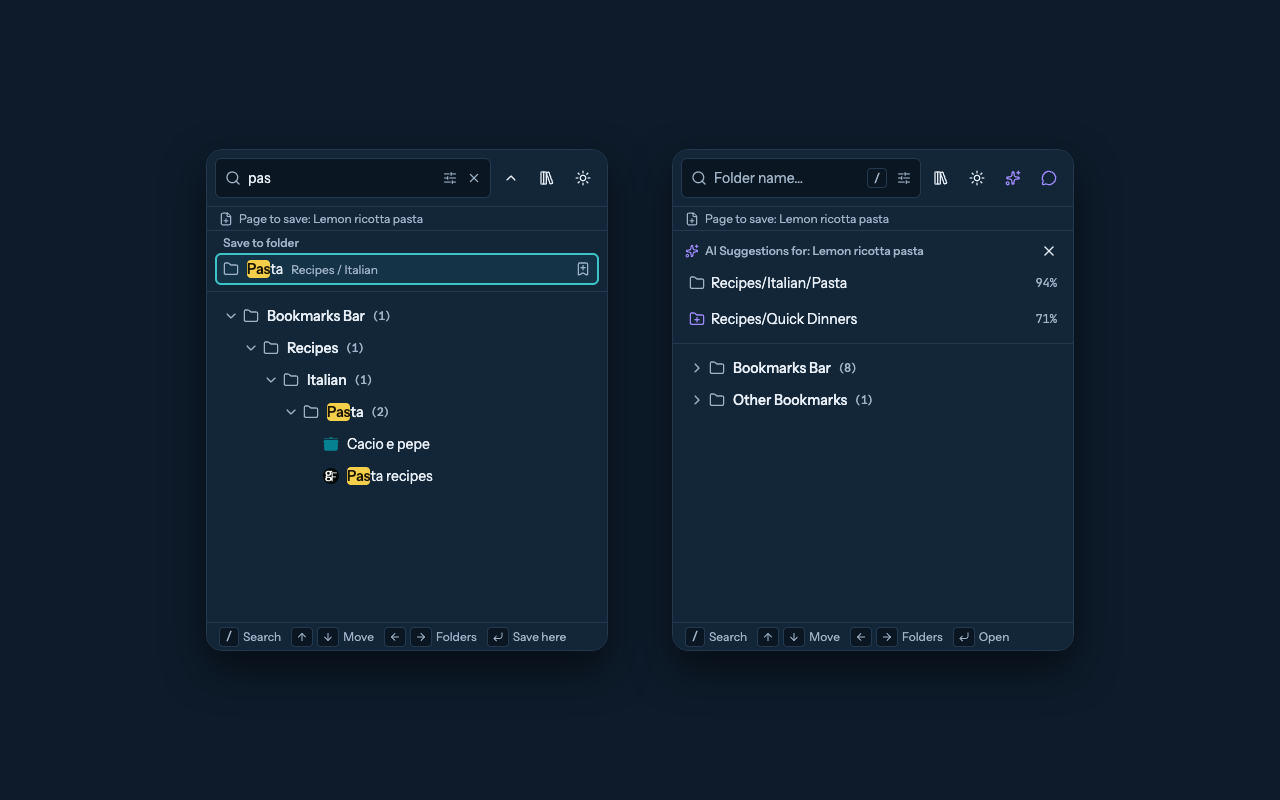
- Save to the right folder: type part of a folder's name, even a folder deep inside others, and pick it from the list to save the page you are on. See Your first save.
- Save with one key: press Alt+Shift+S (⌥⇧S on a Mac) on any page to save it to the folder that fits it best. A small message in the page says where it went, with Undo and other folders to move it to. See Save with a keyboard shortcut.
- Find: search every bookmark by a word in its title or address, from the toolbar button or the side panel. See Search and saved searches.
- Organize: a bookmarks page that works like Chrome's, with drag and drop, right-click menus, cut, copy, and paste, and undo with Ctrl+Z (⌘Z on a Mac). See Save and organize.
- Clean up: remove duplicate bookmarks, tidy addresses full of tracking codes, and find links that no longer work. See Clean up duplicates and tracking URLs and Find and repair dead links.
- Move your bookmarks: export them to a file, or bring them in from another browser after a preview. See Import and export.
- Use AI, only if you want to: AI is off until you turn it on, and it needs an account with an AI company, which may charge for use. It can suggest a folder or answer questions about your bookmarks, and changes nothing without your approval. See Set up AI tools.
Where your data goes
Bookmark Scout has no account and no server of its own. Your bookmarks stay in your browser. Data leaves the browser only when you use a feature that needs the internet, such as checking for dead links or an AI tool you turned on, and then it goes straight to the website or AI company you chose. Read the privacy summary.
Bookmark Scout is made by an independent developer: no company, no ads, no account, and the code is open source.
Browsers
Bookmark Scout is listed on:
Firefox and Edge versions are on their way to their stores; until then, they can be installed by hand. Bookmark Scout works in a browser on a computer, not on phones or tablets. See Install and Browser support.
Get help
Check the FAQ and troubleshooting page first. For anything else, email support@bookmark-scout.com or open an issue on GitHub.
For developers: connect AI apps on your computer, such as coding assistants, with Use with local AI agents, or help build Bookmark Scout with Contributing and development. Test coverage and the full feature list are in Project status.